


Internal Solid State Drives
Compare current offers, price history, and reviews in one place.
Crucial - BX500 4TB Internal SSD SATA
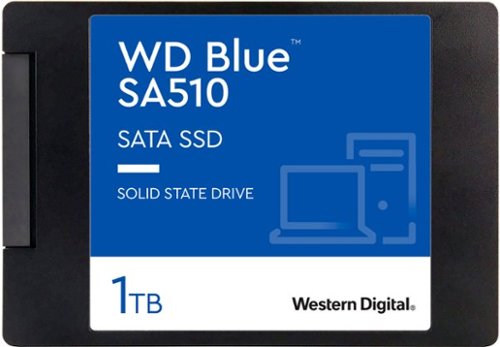
WD - Blue SA510 1TB Internal SSD SATA
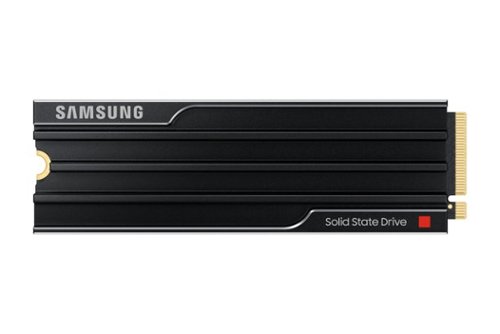
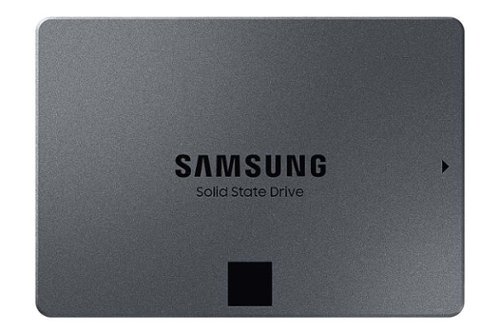
Samsung - Geek Squad Certified Refurbished 870 QVO 8TB Internal SSD SATA


Crucial - P310 2TB Internal SSD PCIe Gen 4 x4 NVMe M.2
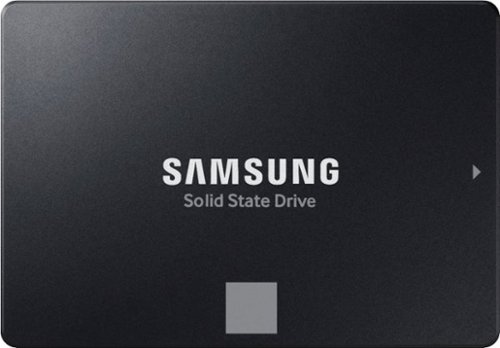
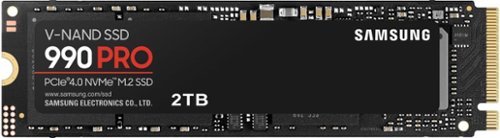
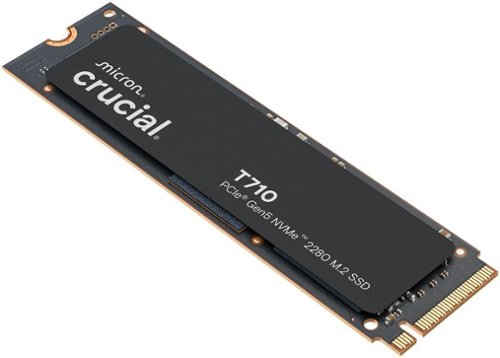
Crucial - T710 1TB Internal SSD PCIe Gen 5 x4 NVMe M.2 with 3D NAND Memory
Crucial - T710 4TB Internal SSD PCIe Gen 5 x4 NVMe M.2 with 3D NAND Memory
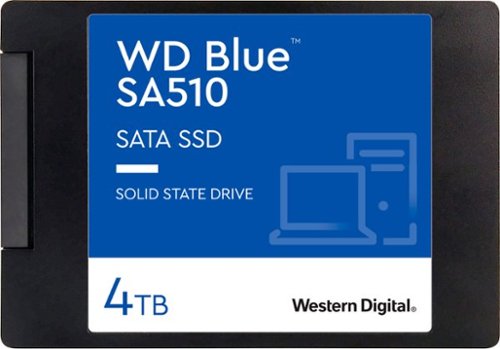
WD - Blue SA510 4TB Internal SSD SATA
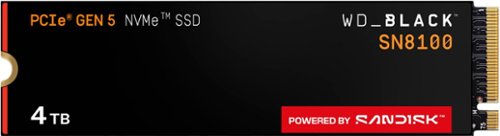
WD - BLACK SN8100 4TB Non-Heatsink Internal SSD Gen 5x4 NVMe
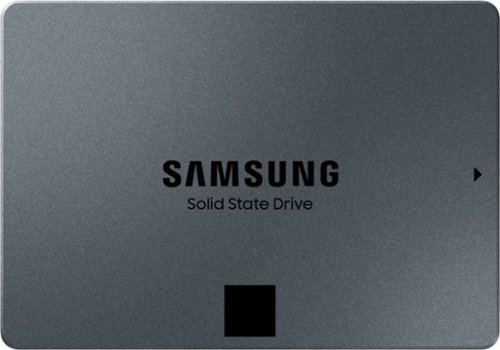
Samsung - Geek Squad Certified Refurbished 870 QVO 4TB Internal SSD SATA
Crucial - T710 1TB Internal SSD PCIe Gen 5 x4 NVMe M.2 with 3D NAND Memory

Seagate - FireCuda 530R 4TB Internal SSD PCIe Gen 4 x4 NVMe
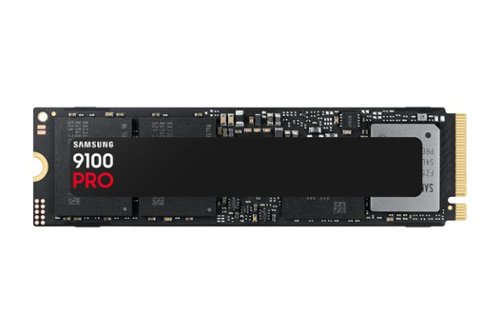
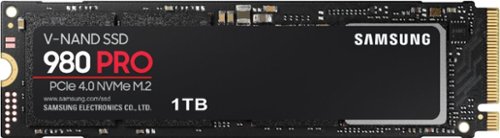

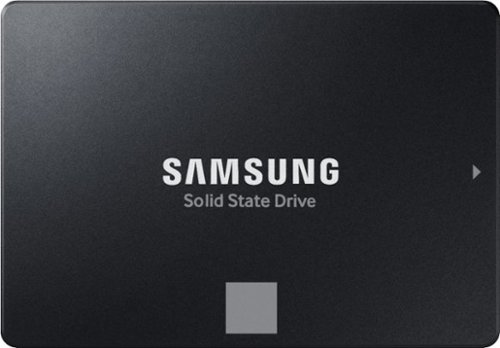

WD - BLACK SN850X 1TB Internal SSD PCIe Gen 4 x4 NVMe
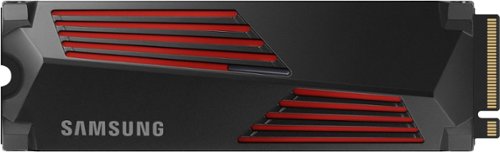


WD - BLACK SN7100 1TB Internal SSD Gen 4 x4 NVMe
Showing 26 to 50 of 76 results
You might also like
Frequently Asked Questions
Find answers to common questions about Internal Solid State Drives
An Internal SSD is designed to be installed inside a computer or laptop, replacing a traditional hard drive. An External SSD, on the other hand, is used as an external storage device that can be connected via USB, Thunderbolt, or another interface.
Most modern computers and laptops have a slot for an Internal SSD, usually located near the motherboard. You can also check your device\'s specifications online or contact the manufacturer for clarification.
Internal SSDs offer faster read and write speeds, lower power consumption, quieter operation, and increased durability compared to traditional hard drives.
The capacity of your Internal SSD depends on how much data you need to store. Consider the size of your operating system, applications, and files.
The two most common form factors for Internal SSDs are M.2 (2280) and 2.5 inch. M.2 SSDs are smaller and are typically used in laptops, while 2.5 inch SSDs can be used in desktops or laptops.
Most Internal SSDs use either the SATA or NVMe interface. SATA is a more common and affordable option, while NVMe offers faster speeds.
You can check your computer or laptop\'s current storage capacity by going to the "My Computer" or "This PC" section in Windows, or the "About This Mac" section in macOS.
Yes, you can install multiple Internal SSDs in your computer, but the operating system may only recognize one as the primary drive. You can use the second or subsequent drives for additional storage.
There are minimal risks associated with upgrading to an Internal SSD. However, you should ensure that your device is compatible and that the new drive is properly installed.