Last Updated: 2025-11-04 05:36:57
 Amazon
 Daily Spirit Deals
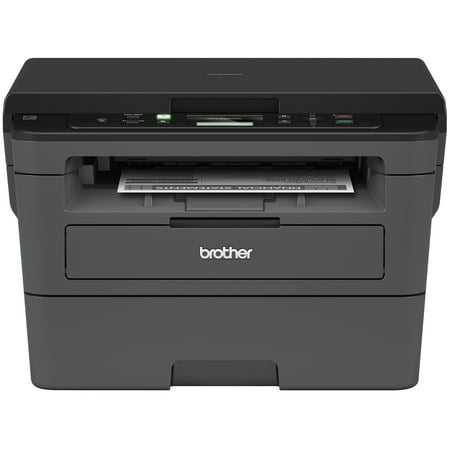
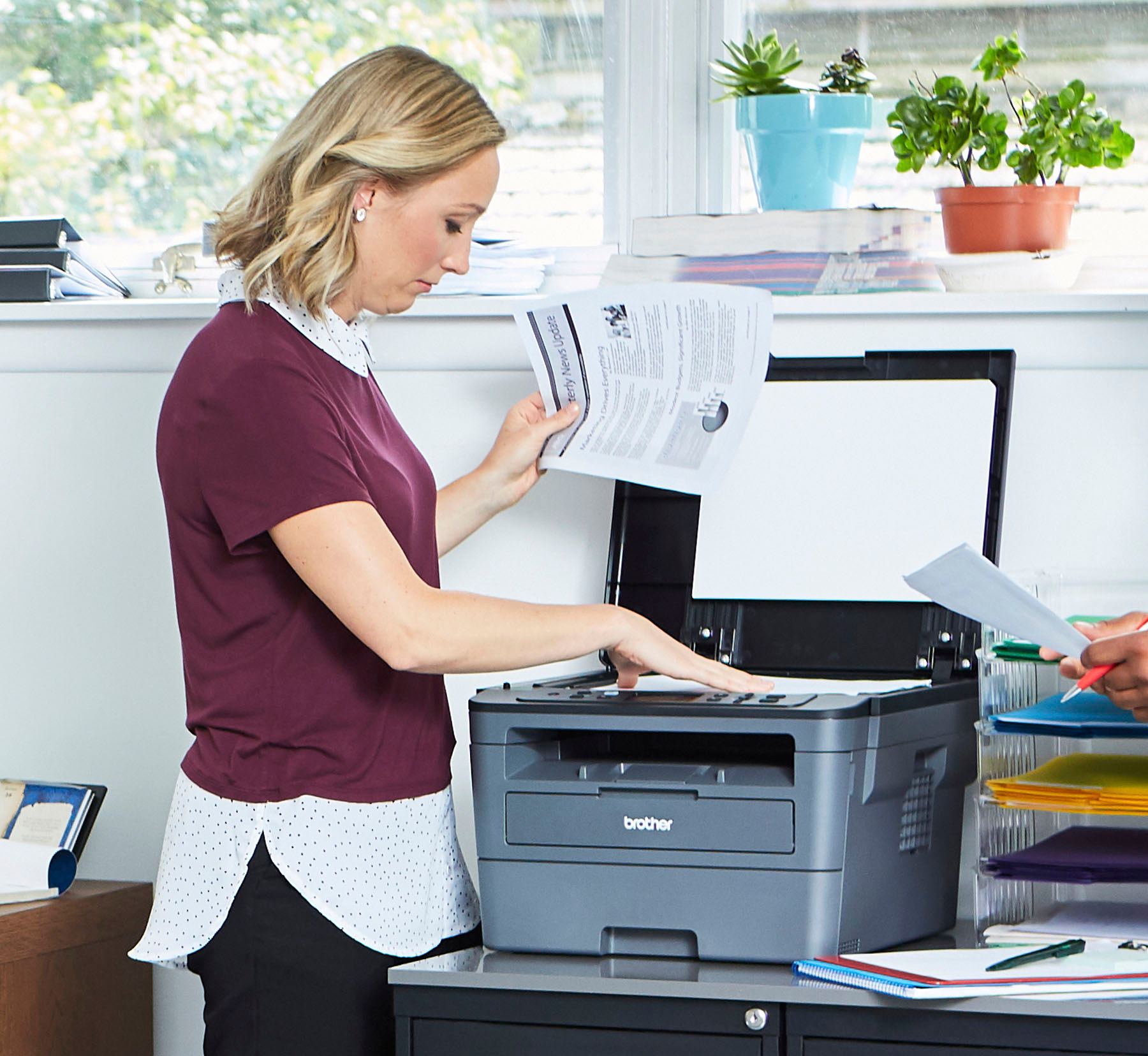
Engineered for productivity: Brother’s latest technology is infused into the HL L2390DW. Equipped with a flatbed scan glass for convenient copying
this monochrome laser printer is engineered to scan directly from mobile devicesPrint more
wait less: Developed to optimize efficiency
this replacement for the DCPL2520DW produces a robust and class leading print speed of up to 32 pages per minute (1)New
user friendly features : This new Brother monochrome laser printer includes a 250 sheet paper capacity
which helps improve office efficiency with less refills. The HLL2390DW also handles legal and letter sized paperFlexible printing: Print envelopes
card stock
and multiple sized paper through the easy to access manual feed slot
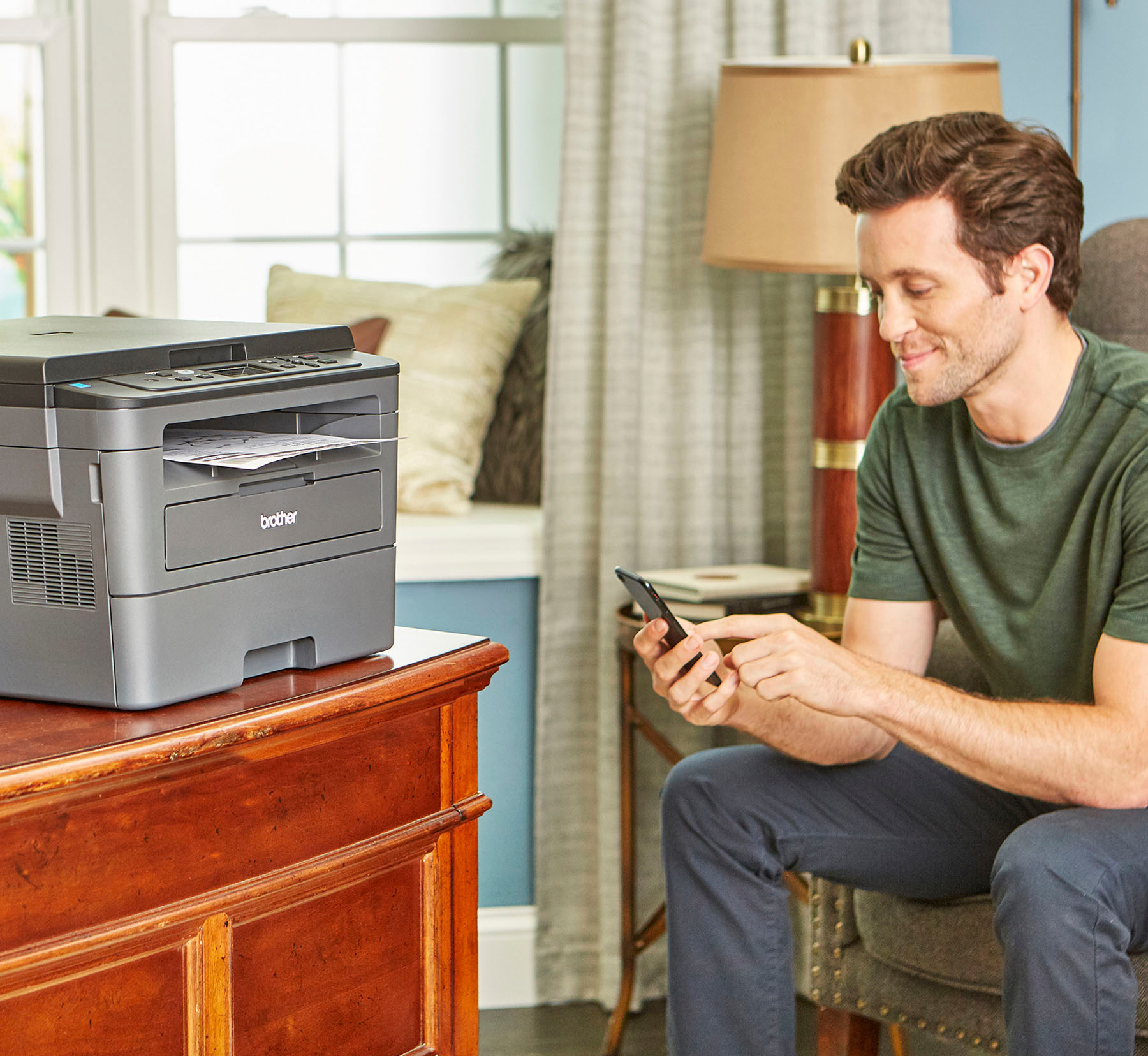
allowing you to create professional looking documents with higher resolutionWireless printing & exceptional support : The easy to link wireless technology allows you to submit print jobs from your laptop
smartphone
desktop
and tablets (2). We provide free online
call
or live chat support for the life of your printer. At Brother
we want to ensure that your experience with us is exceptionalEnsure optimal and uncompromising performance: When it’s time to replace your toner
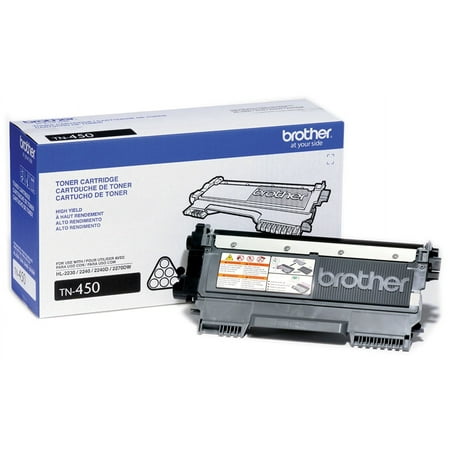
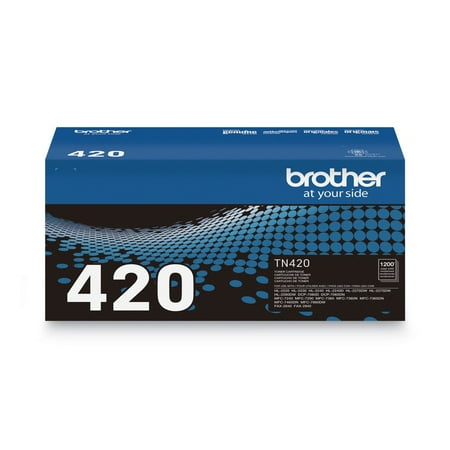
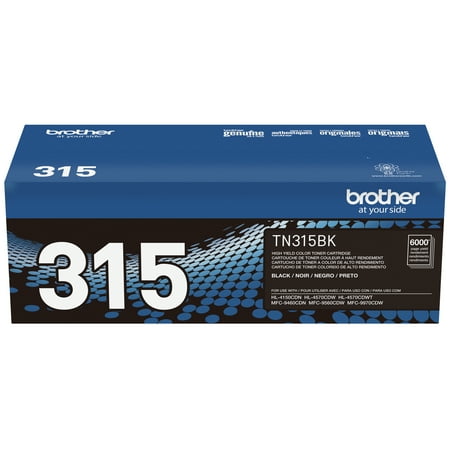
be sure to choose Brother Genuine TN730 Standard or TN760 High-Yield replacement cartridges. And with Refresh EZ Print Subscription Service
you’ll never worry about running out of toner and you’ll enjoy savings of up to 50%* on Brother Genuine Toner. Get started with Refresh today with a Free Trial.*
| Manufacturer | Brother |
|---|---|
| Brand | Brother |
| Item model number | HL-L2390DW |
| Color | Gray |
| Weight | 22.7 pounds |
| Height | 10.7 inches |
| Depth | 15.7 inches |
| Product Id | 44140 |
|---|---|
| User Reviews and Ratings |
4.6
(1743 ratings)
4.6 out of 5 stars
|
| UPC | 012502649670 |
| # | Shop & Price | Reviews | User Ratings | Price |
|---|---|---|---|---|
| 1 |
Check on Amazon
Price:
Search
Visit
|
|||
| 2 |
Brother HL-L2390DW Monochrome Laser Printer with Flatbed Copy & Scan, Duplex Printing, Wireless
Reviews: 1769
app.ratings:
(1769)
Price:
$394.95
Visit
Reviews: 1769
(4.5)
|
I've been using the Brother HL-239DW Laser printer for about a month now. So it's a little early to tell, but so far we are LOVING this printer. - The wireless took less than 20 minutes to "hook up." I've read people are having problems with this. Maybe our hubs are newer? I'm not sure. But we had no problem setting up. I do have to restart the computer when I get home from work for it to link up again. - Duplex copying is smooth and pretty quick. I only make 1 or 2 copies at a time so I can't truly comment on speed. But for what I do, this is very nice. - The print quality is good. I am very pleased with the fine details for my purposes. - I haven't had to replace toner yet, so no comment on that process yet. - I knew it would not print color, so no surprise there. But if you are thinking about this printer, do not buy it if you need color printing. So far I definitely recommend this printer.
Step up to a laser printer and never look back. I always bought inkjet printers up till now and the nozzles were always clogging up. Print quality was terrible. Took a chance in this and so happy I did. Works like a charm and nozzles don't clog! Very fast and print quality is top notch. Only thing is it doesn't print color but who cares! I'm not printing pictures anyway. Great printer!!!
Good laser printer for a discounted price. This one replaces a similar model that I had for over 8 year but it developed a persistent LSD screen issue. Previously I always had inkjet printers but I like the laser much better. This was easy to program for remote printing (and without the need to use the system disk).
Easy to set up with your home Wi-Fi, prints quickly and clearly, easy to print directly from your phone. I wish I had purchased this sooner instead of putting up with a 10 year old Epson that was getting temperamental. I really like a monochrome printer as that was 95% of our printing needs.
How it looks: This is a a relatively compact printer/scanner. The appearance of it is unassuming. If you have a larger desk, it might even be feasible to have it on the desk. WiFi connection and installation: THe software that was supposed to install and connect the printer to the network failed to do so. It could not detect something half way through its step-by-step installation. Fortunately, when I went to Win 10's own “Add a printer or scanner” setting page, the OS could easily and quickly detect the connected printer (I have to connect the printer's WiFi to the router using the WPS button on the router and the instructions on the printer menu itself, and it worked in the 3rd attempt). So, the OS could successfully find the printer and install the necessary device driver for it. Then I cancelled the setup software downloaded directly from Brother's website. Once installed: The printer, once recognized by the OS, works flawlessly. It sits there quietly (virtually no noise whatsoever). Of course, there are settings in the printer so it operates quietly and economically, which you need to apply by yourself. Once done, the printer only wakes up when you send it job; it finishes the work, and then goes back to sleep. Such a lovely piece of equipment! Toner: The toner installation/insertion was a bit tricky (i was holding it upside down without realizing it and was trying to figure out why the toner does not slide inside the machine. The toner should have a sticker telling you “This side up!” Once noticed the orientation mix-up, the toner slid in the machine like a charm. Do not apply any force when you are inserting the toner, since it must slide in with ease and almost no resistance. If you feel it is not going in, most probably you are not holding it the right way. I don't know how long the toner will last. Time will tell. I have only printed about 15 pages with this printer and everything looked normal. The quality of the print: I cannot tell much about this. I have set up the printer to print in eco-mode, which preserves the ink and lowers the quality of the print on-purpose. So, I have not tried the printer to its maximum potentials and quality. UI: There is no user interface on the PC to speak of, in case you want to change the settings of the printer. There are, however, the typical device property menus that OS presents when you try to print something. That gives you a limited access to the settings of the printer. My guess is that you will eventually need the Brother's own software to get anything more fancy. Since I don't care about those extra fancinesses, I am happy with how things are. UX: The overall user experience with this excellent. All my devices, Android phones, computer, tablets, and everything in the house can easily and directly print to this printer with no problem. I don't have to send files from my phone to my PC and from the PC to the printer. I can simply print to the printer from my cellphone if I choose to do so (an extra software will be needed on your phone for it to see the printer on the local network). Instructions: The system comes with plenty of clear instructions. If you follow them step by stem EXACTLY and instructed on those document, you should not have any problem (of course, problems might arise if your network is configured unconventionally, like layers of firewall blocking ports, being behind a VPN, disabling Windows network features, etc. If you have already tweaked your system that far, you probably would know how to make your printer should be set up and used on that network after all. Value for money: I would say it is a great proposition. Conclusion: I do recommend this printer to friends and family.
Loading reviews...
Products you might like
Loading related products...

 日本
日本 US
US