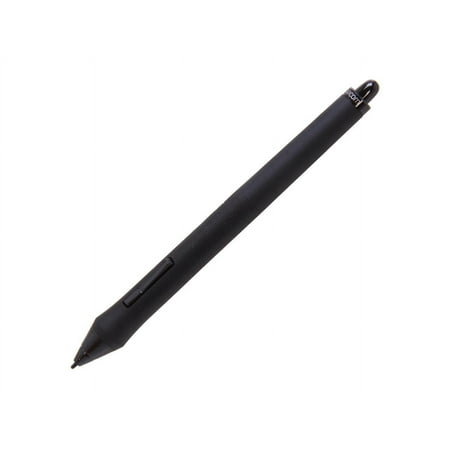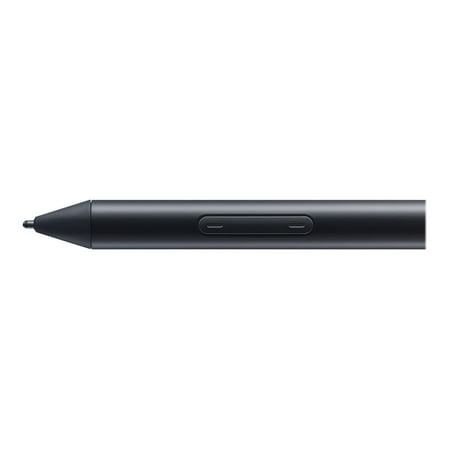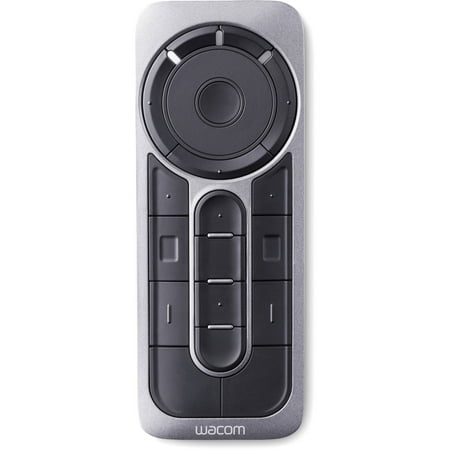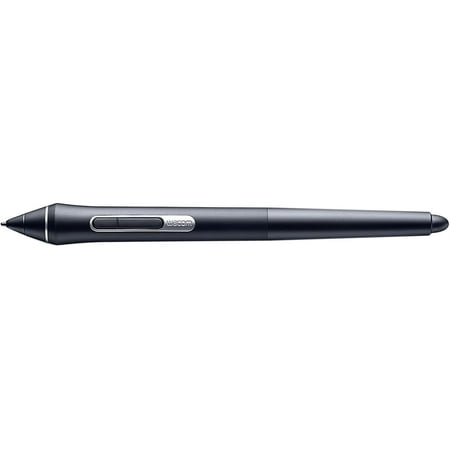
One by Wacom Student Drawing Tablet (medium) – Works with Chromebook, Mac, PC - Black/Red

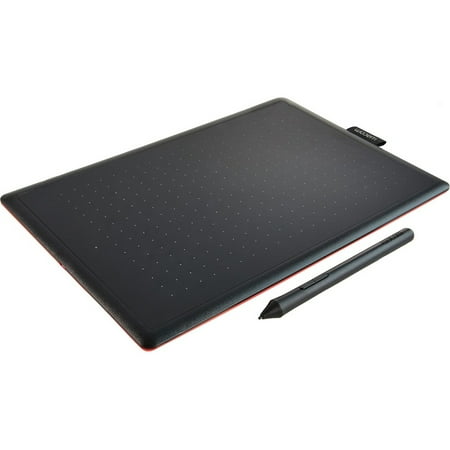
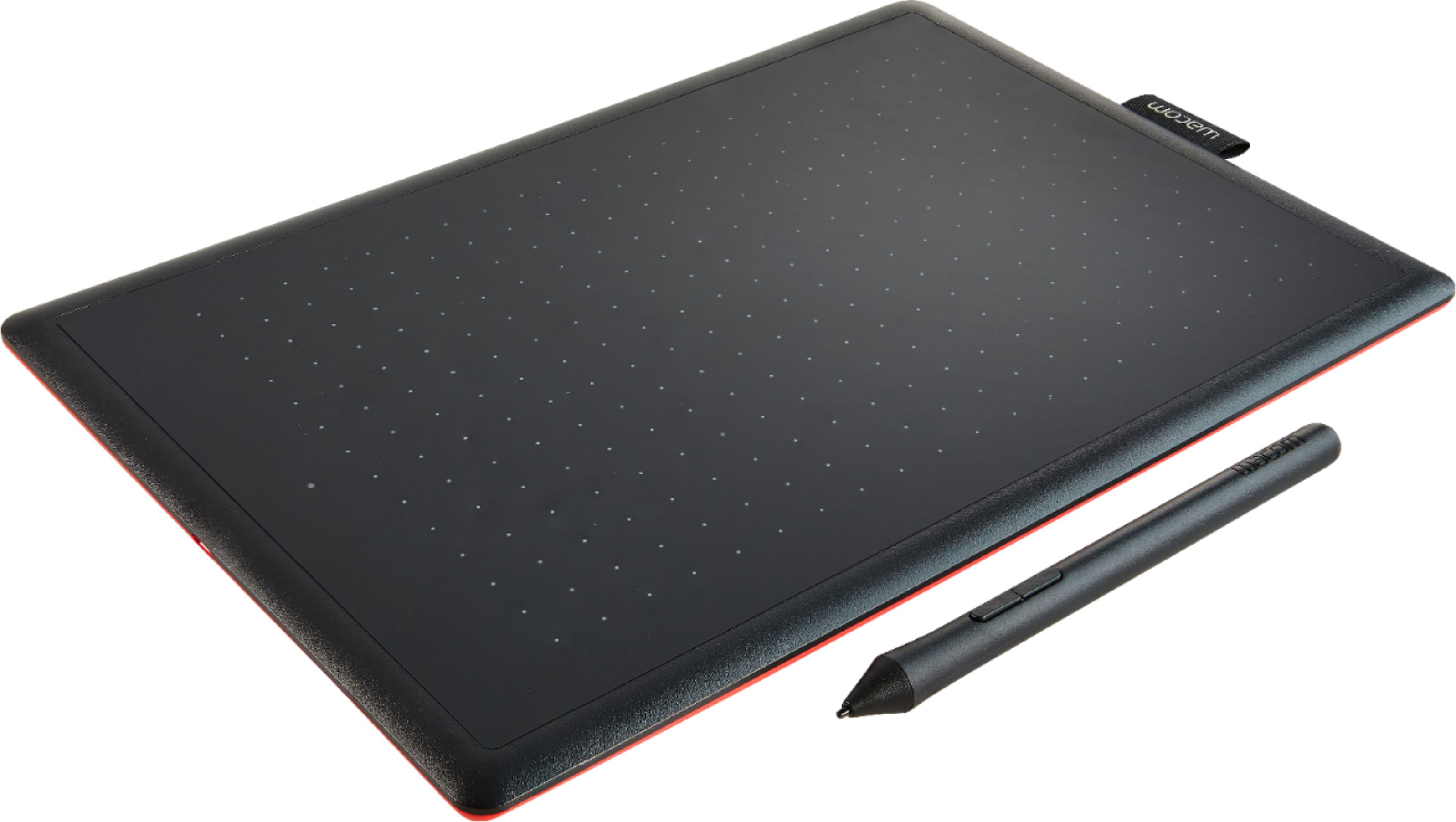
One by Wacom Student Drawing Tablet (medium) – Works with Chromebook, Mac, PC - Black/Red
4 photos
Model: CTL672K1A
Brand: Wacom
(13)
2 stores
1 Products

One by Wacom Student Drawing Tablet (medium) – Works with Chromebook, Mac, PC

Product Details

Create and export PDFs; edit text and images; work with forms; share PDFs; turn scanned documents into editable, searchable PDFs; validate and fix PDFs for ISO and accessibility standards

One by Wacom drawing tablet is designed to make learning easier. Use the digital pen and tablet with your computer to draw, edit photos, express ideas, write formulas and interact in online classes in a way you can’t with a keyboard and trackpad. The simple USB connection to a Chromebook, Mac or Windows computer couldn’t be easier (some devices require a USB-C adapter) and the battery-free pressure-sensitive pen doesn’t require charging so it works the moment it touches the tablet surface. With Wacom’s 35+ years of digital pen development, you can count on One by Wacom as a high-quality, reliable product to last well beyond your school years. This product works with devices capable of running the latest version of Chrome OS and has been certified to meet Google's compatibility standards. Google is not responsible for the operation of this product or its compliance with safety requirements. Chromebook and the Works With Chromebook badge are trademarks of Google LLC.

Shop Now

Compare Buying Options

Last Updated: 2025-11-23 19:06:07

Search
Amazon Amazon

$85.47
walmart The Factory Depot

Product Specifications

Technical Details

Manufacturer Wacom
Brand Wacom
Item model number CTL672K1A
Color Black/Red
Weight 15.24 ounces
Height 0.3 inches
Depth 7.4 inches

Additional Product Information

Product Id 230851
User Reviews and Ratings
4.6 (13 ratings)
4.6 out of 5 stars
UPC 753218985828

Description

No matter if you want to work in creative apps or looking for a tool that enables you to write, annotate or doodle shapes in educational software. This tablet has everything you need, so it's easy to get started on your next project or lesson. Just connect the USB cable to your Mac or PC, download and install the driver and you're ready to go.,And if you are using a Chromebook, just plug the tablet to your USB port and you have an instant start. No driver installation required. It couldn't be easier.,One by Wacom now also works with Chromebook | Bringing the pen tablet into the digital classroom,Wacom takes digital learning to the next level. The realistic digital pen recreates the classroom experience from anywhere. It gives you the freedom to write, annotate, create, collaborate, study or teach in ways like never before.,Bundled apps specially tailored for education,Gain 3 months complimentary access to great bundled apps specially tailored for education: Collaboard, Explain Everything, KamiApp, Limnu, Pear Deck. All apps enable teachers and students to collaborate and share ideas just as easily as in the classroom.,3 months complimentary access to the apps,Offer valid until November 30, 2021,Web-based application accessible via browser (Chrome OS, Firefox, Edge, Safari, Opera),Valid for Chrome OS, Windows 10, macOS 10.13 or later and Android,Wacom ID and product registration required
Medium Pen Tablet Pressure-sensitive and lightweight pen - no batteries, no charging Natural pen on paper feel Connects with USB to any Windows, macOS, Chromebook or Linux PC Bundled apps specifically tailored for education included Available in small and medium, easy to carry with you on the go Size (W x D x H): 277 x 189 x 8.7 mm, without tag and rubber foot Pen Active Area (W * D): 216 x 135 mm

Shopping Options

Compare Buying Options

# Shop & Price
1
Check on Amazon
Price:
Search Visit Amazon
2
Wacom Medium Pen Tablet
Reviews: 2
app.ratings: (2)
Price:
$85.47 Visit walmart

Top User Reviews and Ratings

No reviews available yet.

Be the first to review this product!