


Wi-Fi Dead Zones: Avoiding, Finding, Fixing
Compare current offers, price history, and reviews in one place.


You might also like
Frequently Asked Questions
Find answers to common questions about Wi-Fi Dead Zones: Avoiding, Finding, Fixing
A: Wi-Fi dead zones are areas in your home or office where the wireless signal is weak or non-existent.
A: Common signs include slow internet speeds, dropped connections, and spotty coverage. Use online tools or mobile apps to test your signal strength.
A: Factors such as distance from the router, interference from other devices, and building materials can contribute to Wi-Fi dead zones.
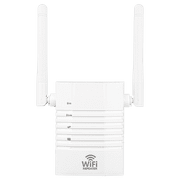
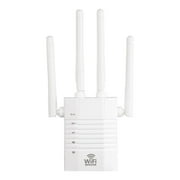
A: Place your router in a central location, avoid interfering devices, and consider using a Wi-Fi extender or mesh system.
A: Use a tool such as NetStumbler or Wi-Spy to scan for weak signals. Move around your home or office with a mobile device to test signal strength.
A: Extenders extend the range of an existing network, while mesh systems create a new network with multiple nodes that communicate with each other to provide wider coverage.
A: Use our category page to explore articles comparing products from various online retailers. Look at factors such as price, coverage area, number of nodes, and compatibility with your existing router.
A: Restart your router, move it to a different location, and check for interference from other devices. You may also need to reset your network settings or contact your internet service provider.
A: Place your router in a central location, avoid interfering devices, and secure your network with a strong password. Regularly update your firmware and reboot your router to maintain optimal performance.