


Secure Digital (SDHC, SDXC)
Compare current offers, price history, and reviews in one place.
Subcategories in Secure Digital (SDHC, SDXC) Swipe to explore
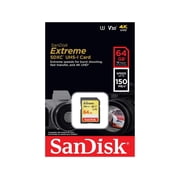
SanDisk 64GB Extreme UHS-I SDXC Memory Card SDSDXV6-064G-GNCIN
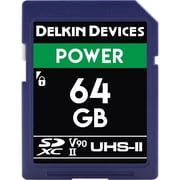
Delkin Devices 64GB SDXC 2000X Memory Card V90 UHS-II

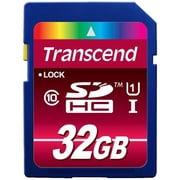
32GB Secure Digital High Capacity (SDHC) Card
Micro SD Card 256GB Memory Card for Camera/Drone/Dash Cam/Tablet/PC/Phone
4GB 600006040 Secure Digital High Capacity (SDHC) Card
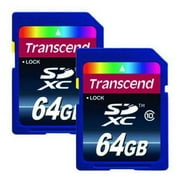
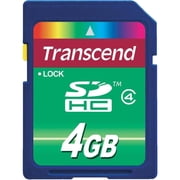
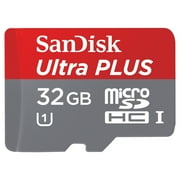
SanDisk Ultra 32GB UHS-I/Class 10 Micro SDHC Memory Card With Adapter- SDSDQUAN-032G-G4A
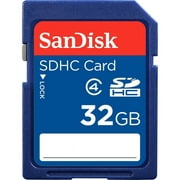
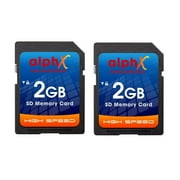
Alphx Innovations 2GB Secure Digital Flash Memory Card, 2 Total Count
![SanDisk High Endurance 32 GB Class 10/UHS-I [U3] microSDHC (sdsqqnr-032g-gn6ia)](https://i5.walmartimages.com/asr/b1d98f62-7190-4036-aed4-c0c9c96a0598.9886e09fee8b69067ccdc5695488703d.jpeg?odnHeight=180&odnWidth=180&odnBg=ffffff)
SanDisk High Endurance 32 GB Class 10/UHS-I [U3] microSDHC (sdsqqnr-032g-gn6ia)
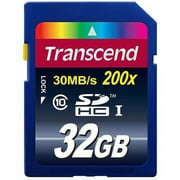
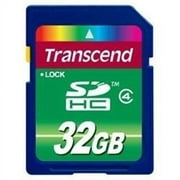
Transcend 32GB Secure Digital (SDHC) Flash Memory Card For Nikon D3200, D330, D5600, Digital Camera
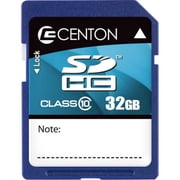
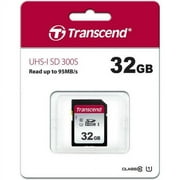
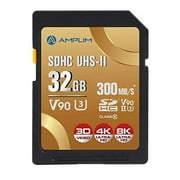
Amplim Extreme High Speed 32GB UHS-II V90 SDXC SD Card for 4K 8K UHD Video Camera Camcorder
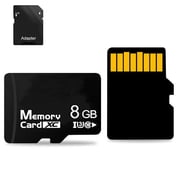

256GB Micro SD Card Micro SDXC Memory Card with Adapter Class 10 TF Flash Card
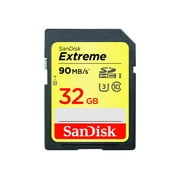
32GB Extreme Secure Digital High Capacity (SDHC) Card
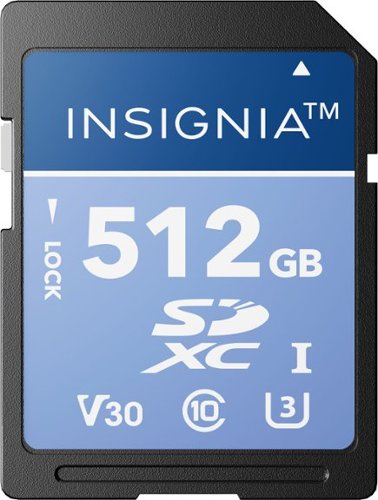
Insignia™ - 512GB SDXC UHS-I Memory Card, Read Speed Up to 200MB/s
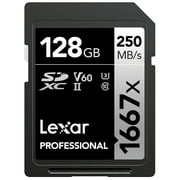
Showing 1 to 30 of 70 results
You might also like
Frequently Asked Questions
Find answers to common questions about Secure Digital (SDHC, SDXC)
A: SDHC stands for Secure Digital High Capacity, while SDXC stands for Secure Digital Extended Capacity. The main difference lies in their maximum storage capacity. SDHC supports up to 32GB, whereas SDXC can go up to 2TB.
A: The right memory card depends on your photography needs, such as resolution and video recording requirements. Check your camera\'s manual or the manufacturer\'s website to find the recommended card speed class and capacity.
A: Yes, but the camera will only recognize the available SDHC capacity. It won\'t be able to access the SDXC expansion.
A: Class 2 memory cards have a minimum write speed of 2MB/s, while Class 10 cards offer a minimum write speed of 10MB/s. Class 10 is recommended for high-definition video recording and large image files.
A: Formatting your memory card erases all data on it. Make sure to back up any important files before formatting. Most digital cameras have a built-in formatter, or you can use the formatting tool provided by your computer\'s operating system.
A: No, it can lead to data corruption and loss. Always wait for the recording process to complete before removing the card.
A: Yes, as long as both devices support the same memory card type and capacity. However, using the same card for different devices may result in file system inconsistencies and potential data loss.
A: Handle the card with care to avoid physical damage. Minimize write cycles by deleting unnecessary files regularly, and consider using a memory card reader instead of directly connecting it to your computer.