Last Updated: 2026-01-05 23:04:01
 Amazon
 Walmart.com
| Manufacturer | - |
|---|---|
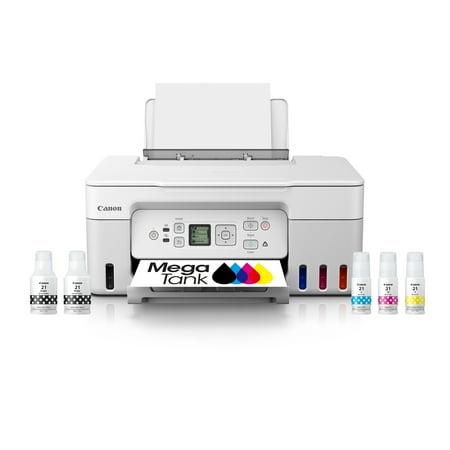
| Brand | Canon |
| Item model number | G3270 WH |
| Color | White |
| Weight | - |
| Height | - |
| Depth | - |
| Product Id | 3070316 |
|---|---|
| User Reviews and Ratings |
4.4
(293 ratings)
4.4 out of 5 stars
|
| UPC | 013803351538 |
| # | Shop & Price | Reviews | User Ratings | Price |
|---|---|---|---|---|
| 1 |
Check on Amazon
Price:
Search
Visit
|
|||
| 2 |
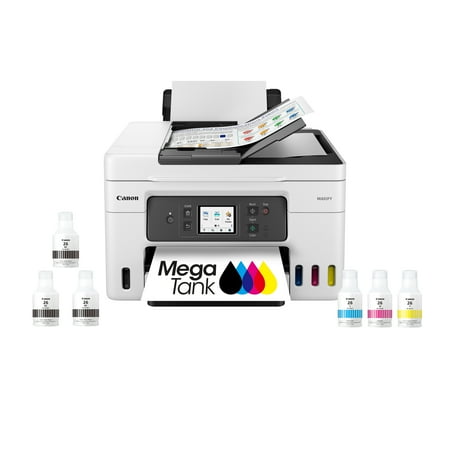
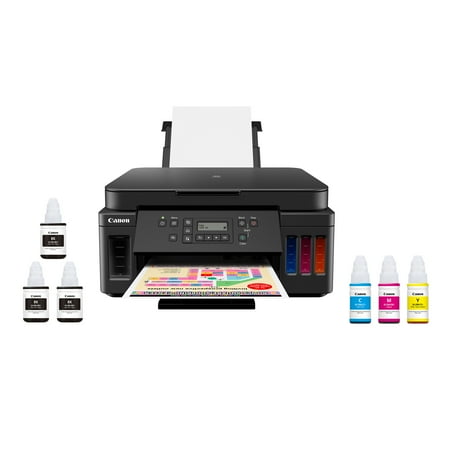
PIXMA G3270 MegaTank Inkjet Printer - White
Reviews: 157
app.ratings:
(157)
Price:
$229
Visit
Reviews: 157
(4.2)
|
Works great! Great price!
I have 2 other of these same machines in my vacation homes and they are excellent
Every time I try to print, I have to re install the print driver. I print about every other day. And it takes me about a half hour to reinstall the print driver because my printer can't be found. Very annoying
The wireless printer we'd been using became unreliable and I was not of the state of mind or capability to explore fixing. My tech-savvy daughter said she'd heard tank printers were recommended so I found a name and a price I could afford. Though intimidated by new-to-me technology, I was able to easily set up and run this printer. Thus far, for my purposes, I am very pleased with my purchase.
First off I love that it has the big tanks so the ink is a lot cheaper. There's two things that I'm not really happy with. When you want to print a book, you can only print like 40 to 50 pages at a time. What happens is the parental stop printing and then when it goes back online, it'll want to print the book again from the beginning. The other thing that I was not very happy with is due to the fact that I don't believe you can print on the office side of the page. Whenever I use this printer to print, there is no option in the print settings for you to print on the opposite side of the page. I thought this was standard for all printers nowadays, I guess I was wrong..
Loading reviews...
Products you might like
Loading related products...

 日本
日本 US
US