


Wireless Hard Drives
Compare current offers, price history, and reviews in one place.
Independent Price Index: We continuously scan major authorized retailers including Amazon, Walmart, and Best Buy. Product listings and rankings are determined strictly by live landed price and customer value—never sponsored placement.
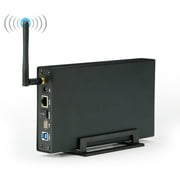
Blueendless Wireless HDD Enclosure Box Portable NAS Network Storage
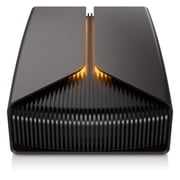
Seagate FireCuda X Vault 8TB External Gaming Hard Drive with USB-C Connection and RGB Lighting
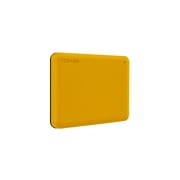
Toshiba Canvio Advance Plus Portable External Hard Drive 2TB - Honey

128TB Mini SSD Hard Drive SSD 2.5-Inch Portable Smart Electronics for Laptops and Mobile Phones,Red
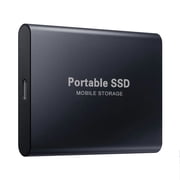
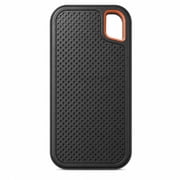
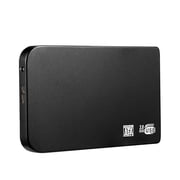
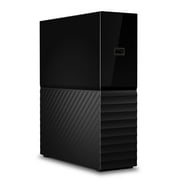
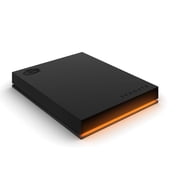
Seagate FireCuda Gaming 1TB External USB 3.2 Gen 1 Hard Drive with RGB LED Lighting (STKL1000400)

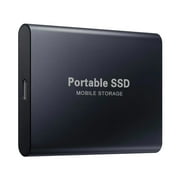
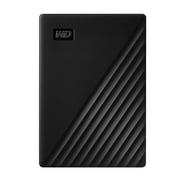
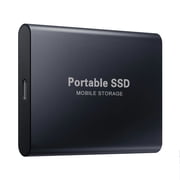
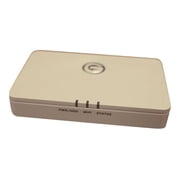
HGST G-CONNECT 500 GB Network Hard Drive, 2.5" External, White


Clearance!Universal 16TB Large Capacity External Storage Disk, Slim Portable Data Drive,1pcs
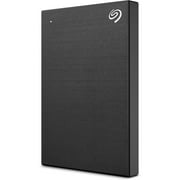
Seagate Backup Plus Slim Portable 2TB External Hard Drive USB 3.0, Black
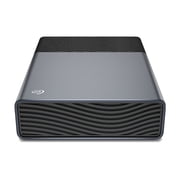
Seagate One Touch 8TB USB-C Desktop External Hard Drive

500GB SANDISK Portable Drive - SDSSDE10-500G-G25
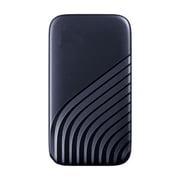
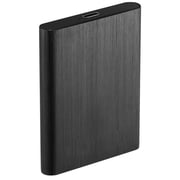
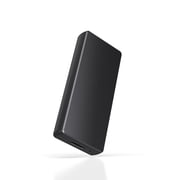
WD - My Passport for Mac 4TB External USB 3.0 Portable Hard Drive - Blue

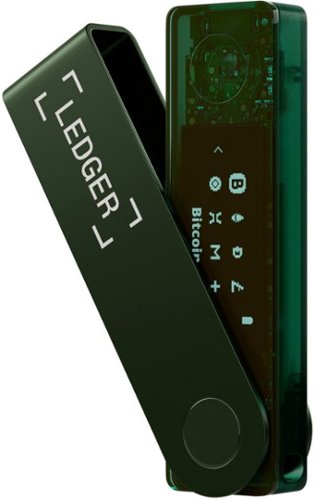

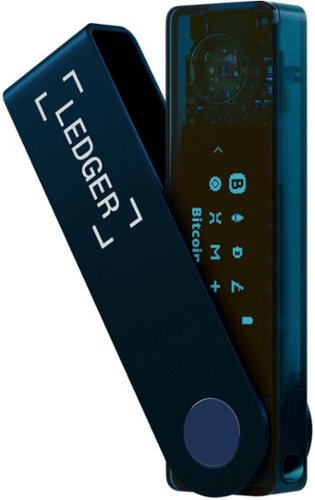
Showing 1 to 30 of 38 results
You might also like
Frequently Asked Questions
Find answers to common questions about Wireless Hard Drives
A: A Wireless Hard Drive is an external storage device that allows wireless connectivity, eliminating the need for cables. It creates its own Wi-Fi network, enabling users to access and transfer data wirelessly from multiple devices.
A: Setting up a Wireless Hard Drive typically involves connecting it to your router using an Ethernet cable, configuring its network settings, and accessing the drive through a web interface or dedicated app.
A: Yes, Wireless Hard Drives offer a flexible backup solution for personal and business use. They can be used to store and back up important files wirelessly across multiple devices.
A: The main advantages include wireless connectivity, easy access from multiple devices, increased mobility, and potential for larger storage capacities compared to traditional external hard drives.
A: Some popular brands include Western Digital My Cloud, Seagate Wireless Plus, and LaCie Fuel. Brands offer different features, capacities, and price points, so it\'s essential to compare them before making a decision.
A: By using our comparison tool on the Wireless Hard Drives category page, you can easily view and compare prices, specifications, user reviews, and other essential details from various online stores.
A: Prices can vary depending on the brand, capacity, and features. Generally, you can find Wireless Hard Drives starting at around $50 up to several hundred dollars for higher-capacity models.
A: Transfer speeds can vary depending on the specific model. Some high-end Wireless Hard Drives offer transfer rates up to 110Mbps or even faster, making them ideal for multimedia files and large backups.
A: Yes, many Wireless Hard Drives come with built-in security features like data encryption, user access control, and automatic backups to help keep your data safe.