
Last Updated: 2025-11-16 01:52:07
 Amazon
 VIPOUTLET
 Wacom
Wacom
| Manufacturer | Wacom |
|---|---|
| Brand | Wacom |
| Item model number | CTL4100WLK0 |
| Color | Black |
| Weight | 8.8 ounces |
| Height | 0.35 inches |
| Depth | 6.3 inches |
| Product Id | 44207 |
|---|---|
| User Reviews and Ratings |
4.5
(1370 ratings)
4.5 out of 5 stars
|
| UPC | 753218986870 |
| # | Shop & Price | Reviews | User Ratings | Price |
|---|---|---|---|---|
| 1 |
Check on Amazon
Price:
Search
Visit
|
|||
| 2 |
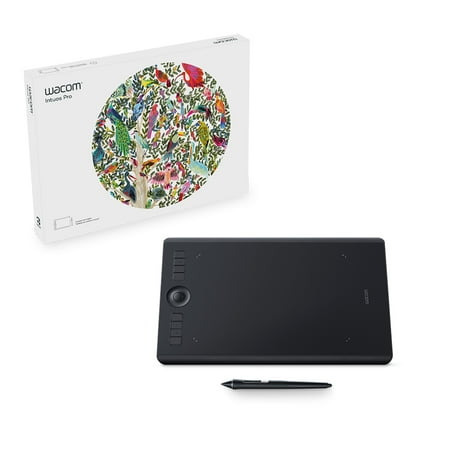
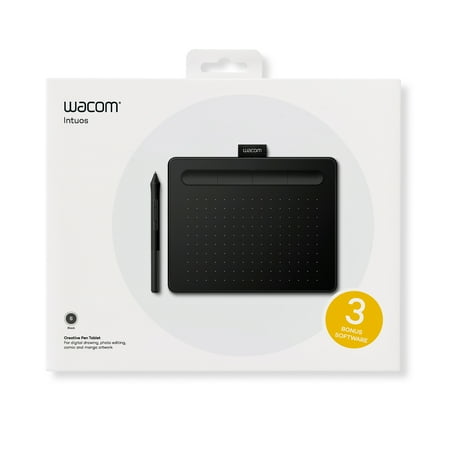
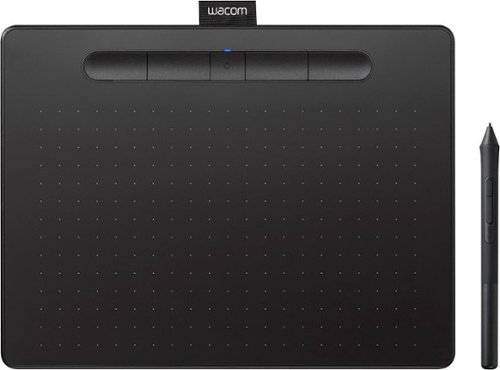
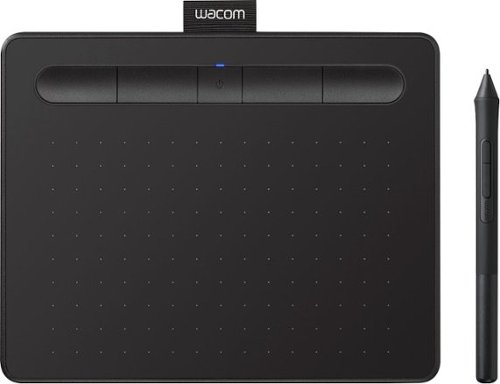
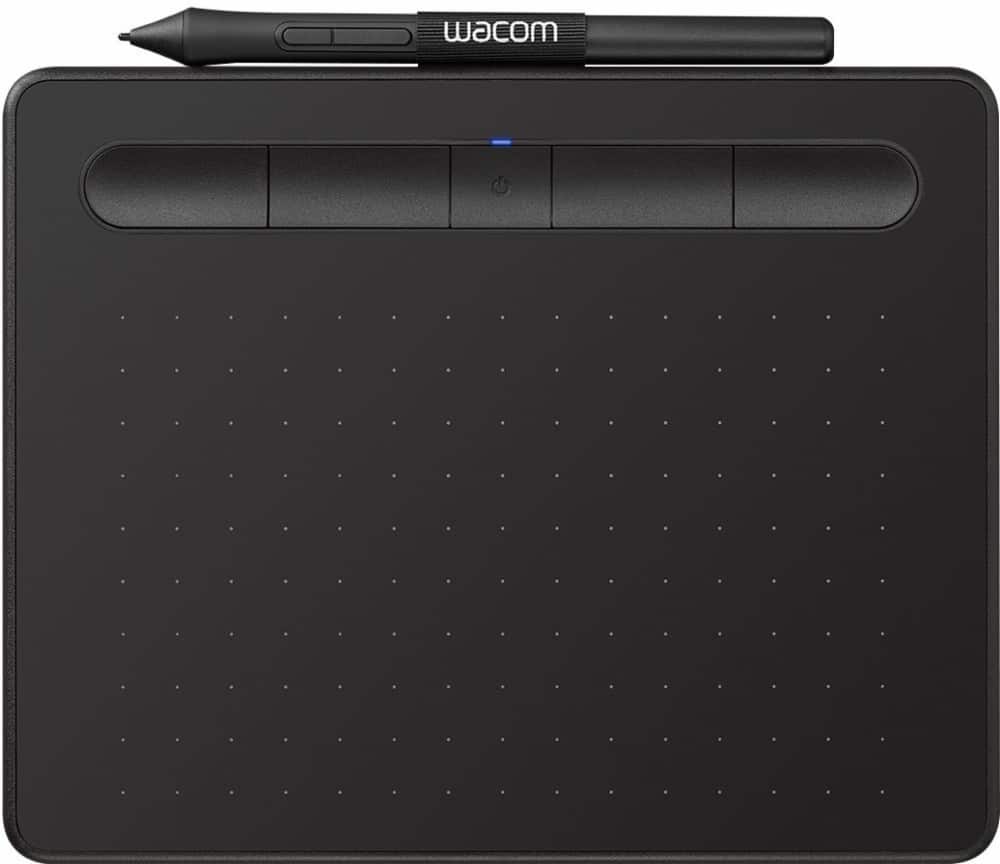
Wacom Intuos Wireless Graphics Drawing Tablet with 3 Bonus Software Included, 7.9" X 6.3", Black (CTL4100WLK0) Small (Wireless)
Reviews: 75
app.ratings:
(75)
Price:
$57
Visit
Reviews: 75
(4.3)
|
|||
| 3 |
Wacom - Intuos Graphic Drawing Tablet for Mac, PC, Chromebook & Android (Small) with Software Included (Wireless) - Black
Reviews: 986
app.ratings:
(986)
Price:
$79.95
Visit
Reviews: 986
(4.5)
|
It's a must for everyone
I bought this to work with my M1 MacBook Air because connecting a hub or too many other devices causes it to crash, repeatedly. I hoped BlueTooth would be the solution --so far it is. :o) Worried it was too tiny after using a Huion 610PRO for years but it's just fine. Not missing the much larger 610PRO at all. The surface is too grainy for my taste so I put a thin acetate sheet over it
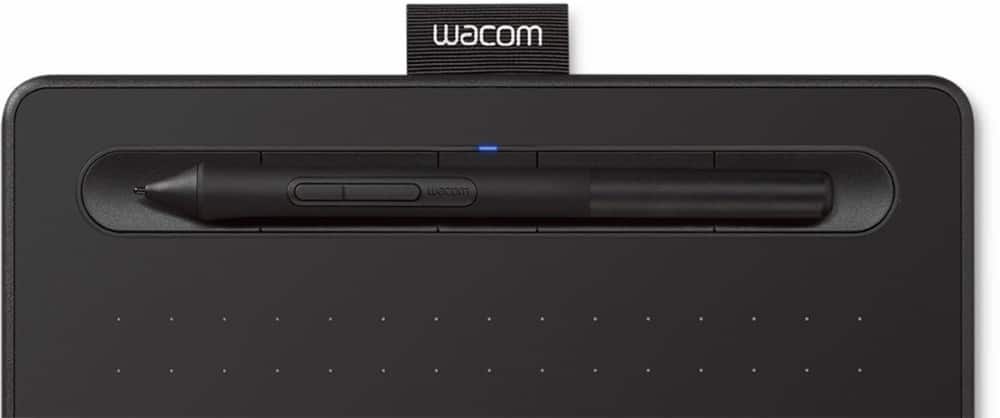
The Wacom Intuos Creative Pen Tablet with Bluetooth, Various Sizes and Colors (CTL4100WLK0) item that I have is the small teal one. The tablet set up is easy if your computer is up to date. You just interface with the website in the included directions and click through the guided choices. There is a choice of 2 software packages out of 3 available. I did not choose the one that makes comics but rather chose the paint/draw and photo touch up software. Be sure to keep the box insert as the has your serial number on it that you need to finish setting up. Overall the pen/ tablet are accurate. It will take me a while to figure out all of the things that the free software does. The tablet has a tab on it to keep the pen- which is smart. I use a Mac and did not have any connectivity problems. A fairly seemless process. Tip: You can copy and paste the software license numbers to register the software which makes it easier than retyping it all in. Overall this is a useful, easy to use product if you have some familiarity with online digital arts. There's a bit of a learning curve if you do not, but it's not that hard.
I received the small, pistachio tablet. I did know that it did not have a screen, thought I would use my big PC monitor. I am not tech savvy at all but was very exited to get this product because it states in the description, "Wacom Intuos is designed for those who are drawing, painting and photo-editing for the first time". I'm disappointed because it might be a great product for all I know. There are no practical instructions. I found a PDF on the product page but it offer no help, just features. I plugged it in my PC and nothing happened.
I had no idea what this was but received it free thru the Spark Reviewer program to review. A friend hasthots and showed me what it's actually for and now I love it lol. If you're into online drawing, editing, coloring, then this will make it so much easier. Quick process with photoshop. I recommend this to everyone.
Loading reviews...
Products you might like
Loading related products...

 日本
日本 US
US